Modular AI-Augmented Semantic Scribe
MAIASS is a professional, modular Git workflow automation tool that streamlines version management, changelog generation, and deployment with optional AI-powered commit message suggestions. Designed for developers and teams who value clarity, structure, and automation in their development process.
- Intelligent Version Management: Automatic semantic versioning with support for multiple file formats
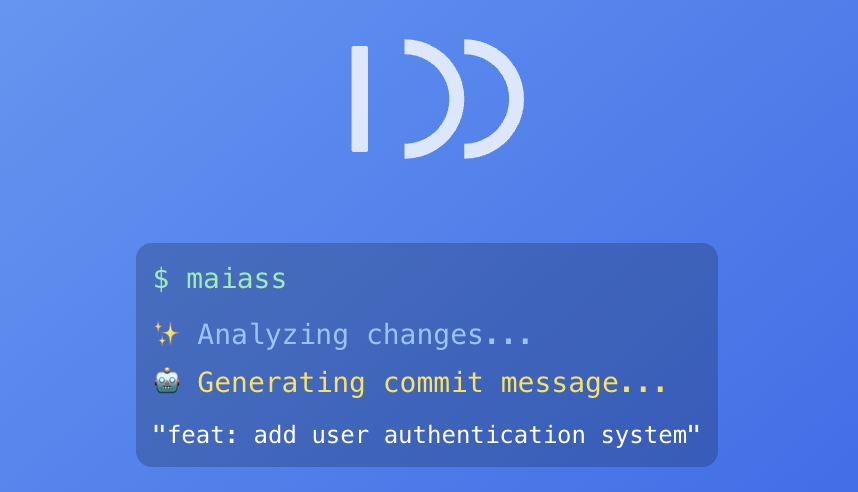
- AI-Powered Commit Messages: Optional AI integration for intelligent commit message generation
- Automated Changelog Generation: Keep your project history organized and professional
- Multi-Platform Git Integration: Works with GitHub, Bitbucket, and any Git repository
- Flexible Workflow Support: Adapts to Git Flow, GitHub Flow, or custom branching strategies
- Pull Request Automation: Automatic PR URL generation and browser integration
- Jira Integration: Automatic ticket detection and inclusion in commits
- Cross-Platform Compatibility: macOS, Linux, and Windows (WSL/Git Bash)
Homebrew (Recommended):
brew tap vsmash/maiass
brew install maiass
One-line Install (curl):
curl -sSL https://github.com/vsmash/maiass/releases/download/v5.10.51/install.sh | bashManual Installation:
git clone https://github.com/vsmash/maiass.git
cd maiass && ./install.sh
This will install both maiass.sh (symlinked as maiass, myass, and miass) and committhis.sh (symlinked as committhis) to your ~/.local/bin directory if present.
maiass                # Interactive patch version bump (default)
maiass minor          # Bump minor version
maiass major          # Bump major version
maiass 2.1.0          # Set specific version
committhis # AI commit message only (no versioning/changelog)export MAIASS_AI_TOKEN="your_api_key"
export MAIASS_AI_MODE="ask"
maiass patch| Option/Flag | Description |
|---|---|
-h, --help |
Show help message |
-v, --version |
Show version information |
--delete-token |
Deletes the stored AI token from secure storage |
--update-token |
Prompts you to update and store a new AI token |
--account-info |
Shows your account status (masked token, credits, etc.) |
--bootstrap, --setup |
Forces the interactive project setup |
--aihelp, --committhis-help |
Shows help for committhis (AI commit message only) mode |
--aicv, --committhis-version |
Shows the version for committhis mode |
-co, -c, --commits-only, -ai-commits-only |
Enables "commits only" mode (AI commit messages, no versioning) |
| Topic | Description |
|---|---|
| Installation Guide | Detailed installation instructions and prerequisites |
| Configuration | Environment variables and project setup |
| AI Integration | AI setup and AI-powered features |
| Version Management | Version file formats and semantic versioning |
| Pull Requests | GitHub/Bitbucket integration and workflows |
| Advanced Usage | Complex workflows and enterprise features |
| Changelog Management | Automatic changelog generation and formatting |
| FAQ | Frequently asked questions and common scenarios |
| Troubleshooting | Common issues and debugging guide |
- Smart Version Detection: Automatically finds and updates version files in any format
- Context-Aware AI: Analyzes your code changes to suggest meaningful commit messages
- Adaptive Workflows: Works with your existing Git branching strategy
- Zero Configuration: Works out of the box with sensible defaults
- Flexible Setup: Customize everything through environment variables
- Rich Feedback: Clear, actionable output with optional verbose modes
- Security First: API keys never stored in repositories
- CI/CD Integration: Perfect for automated deployment pipelines
- Team Collaboration: Consistent workflows across development teams
Version File Formats:
package.json(Node.js/npm projects)VERSIONfiles (plain text)- Custom formats (WordPress themes, PHP projects, etc.)
- Git tags only (for projects without version files)
Git Platforms:
- GitHub (public and private repositories)
- Bitbucket (Cloud and Server)
- Any Git host (core features work universally)
AI Models:
- GPT-4o (recommended)
- GPT-4
- GPT-3.5-turbo
| Platform | Status | Notes |
|---|---|---|
| macOS | ✅ Fully Supported | Native Homebrew installation |
| Linux | ✅ Fully Supported | All distributions |
| Windows WSL | Recommended for Windows users | |
| Git Bash | Basic functionality works |
We welcome contributions! Whether it's bug reports, documentation, code, or ideas, see our contribution guidelines to get started.
MAIASS is released under the GNU General Public License v3.0. Free and open source software.
Ready to streamline your Git workflow? Install MAIASS today and experience intelligent version management with AI-powered automation.
brew tap vsmash/maiass && brew install maiass- Documentation: Check this README and
maiass --help - Issues: Report bugs via GitHub Issues (include OS/shell info)
- Feature Requests: Submit enhancement ideas
- Questions: Start a GitHub Discussion
- Windows Users: We recommend the node version -
npm i -g maiass
- Git community for workflow inspiration
- All contributors and testers
Made with ❤️ for developers who want to automate versioning, changelogs, and commit messages.


