




This repository contains an example web demonstration of VoiceIt's API 3.0 in the browser with a PHP, NodeJS, or Go backend. See Incorporating the SDK for instructions on integrating the SDK into your own project.
Choose one of the following for the server-side implementation:
- PHP: PHP 8.0+ with a compatible server such as Apache
- Node: Node 18+
- Go: Go 1.17+
Desktop:
| Browser | Minimum Version | Windows | macOS | Linux |
|---|---|---|---|---|
| Google Chrome | 55+ | 7+ | 10.12+ | 64-bit |
| Firefox | 52+ | 7+ | 10.12+ | 64-bit |
| Safari | 14.1+ | — | 10.15+ | — |
| Microsoft Edge | 79+ | 10+ | 10.12+ | 64-bit |
| Opera | 42+ | 7+ | 10.12+ | 64-bit |
Mobile:
| Browser | Minimum Version | Android | iOS |
|---|---|---|---|
| Google Chrome | 55+ | 6.0+ | 14.0+ |
| Safari | 14.5+ | — | 14.5+ |
| Firefox | 52+ | 6.0+ | 14.0+ |
Note: Internet Explorer is not supported. The SDK requires modern browser APIs including MediaRecorder, async/await, and getUserMedia.
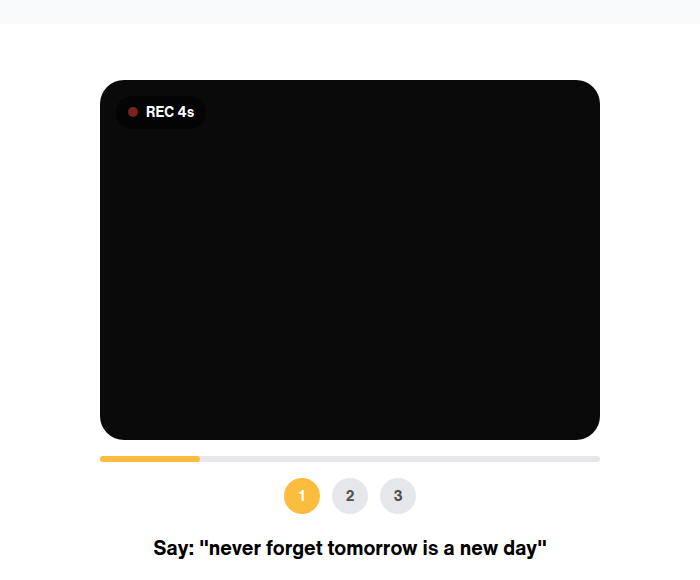
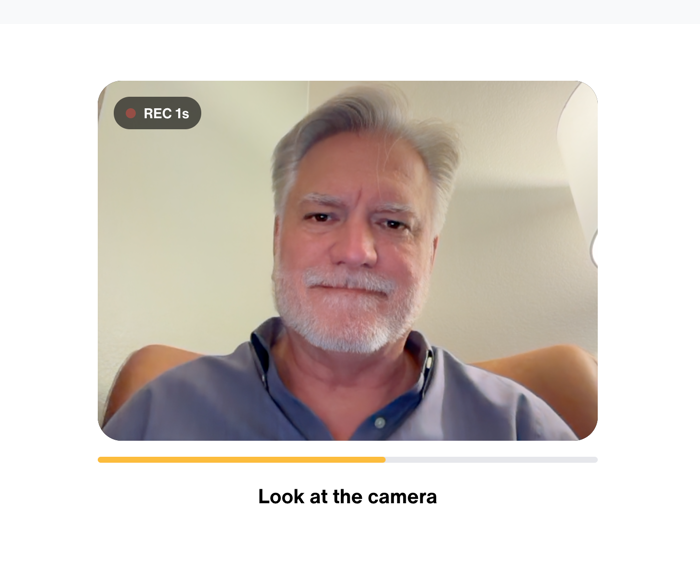
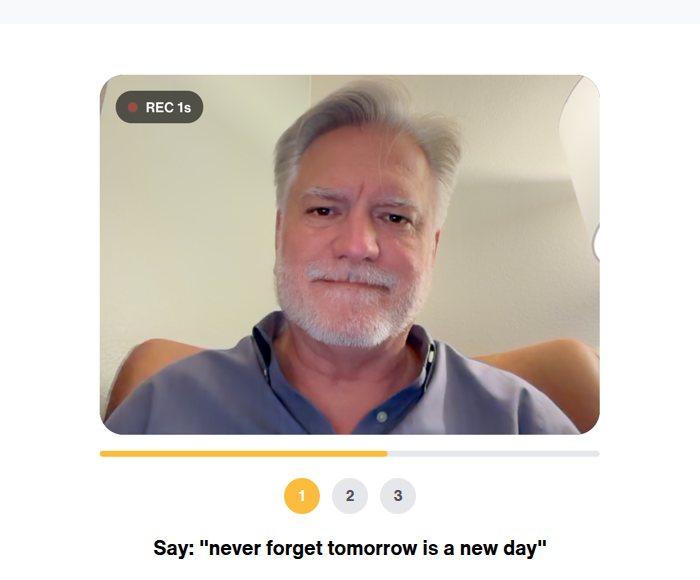
Sign up at voiceit.io/pricing to get your API Key and Token, then log in to the Dashboard to manage your account.
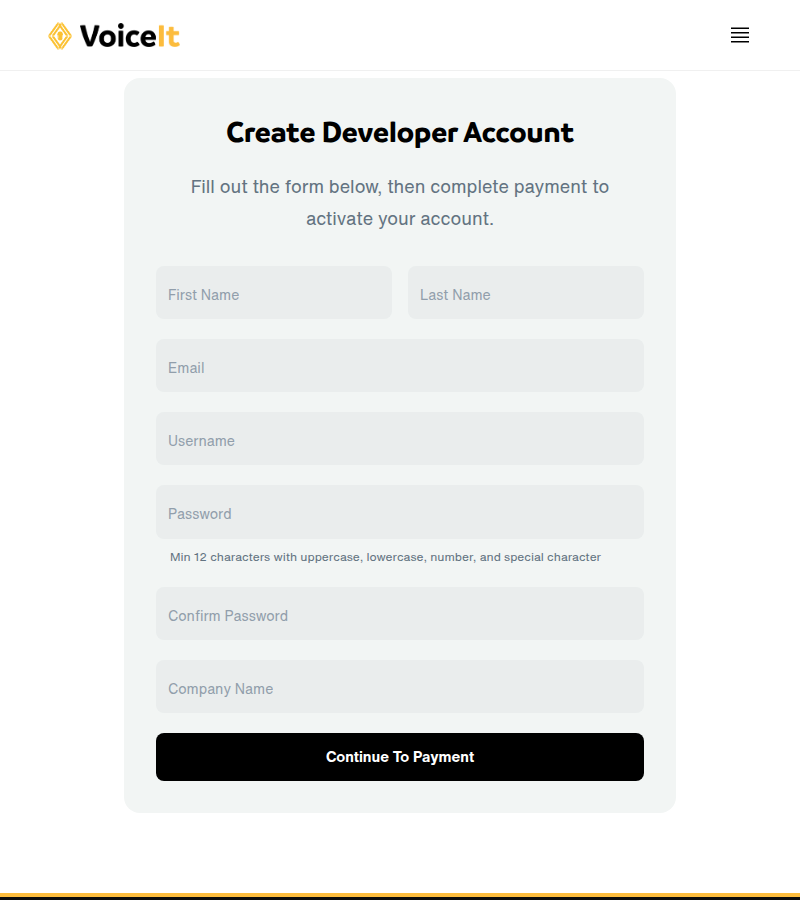
Navigate to voiceit3-php-server-example/config.php. Replace API_KEY_HERE with your API Key, API_TOKEN_HERE with your API Token, and TEST_USER_ID_HERE with a userId.
Navigate to voiceit3-node-server-example/config.js. Replace API_KEY_HERE with your API Key, API_TOKEN_HERE with your API Token, and TEST_USER_ID_HERE with a userId.
Navigate to voiceit3-go-server-example/config.go. Replace [API_KEY_HERE] with your API Key, [API_TOKEN_HERE] with your API Token, and [TEST_USER_ID_HERE] with a userId.
The frontend source files are in the voiceit3-frontend/ folder, compiled using webpack into the voiceit3-dist/ folder. Run the compile script from the voiceit3-frontend/ directory to rebuild and copy voiceit3.min.js to all example server directories:
cd voiceit3-frontend && ./compile.shStart your server (Apache), pointing to voiceit3-php-server-example as the document root.
Packages are hosted on GitHub Packages. Add the registry to your .npmrc:
@voiceittech:registry=https://npm.pkg.github.com
Then install:
cd voiceit3-node-websdk && npm install
cd ../voiceit3-node-server-example && npm install
npm startcd voiceit3-go-server-example && go run .Visit your server at port 3000. Set DEMO_EMAIL and DEMO_PASSWORD in the example server's .env (see .env.example) — those are the credentials the example /login endpoint will accept. First complete enrollment(s), then test verification. You will need to grant microphone and camera permissions.
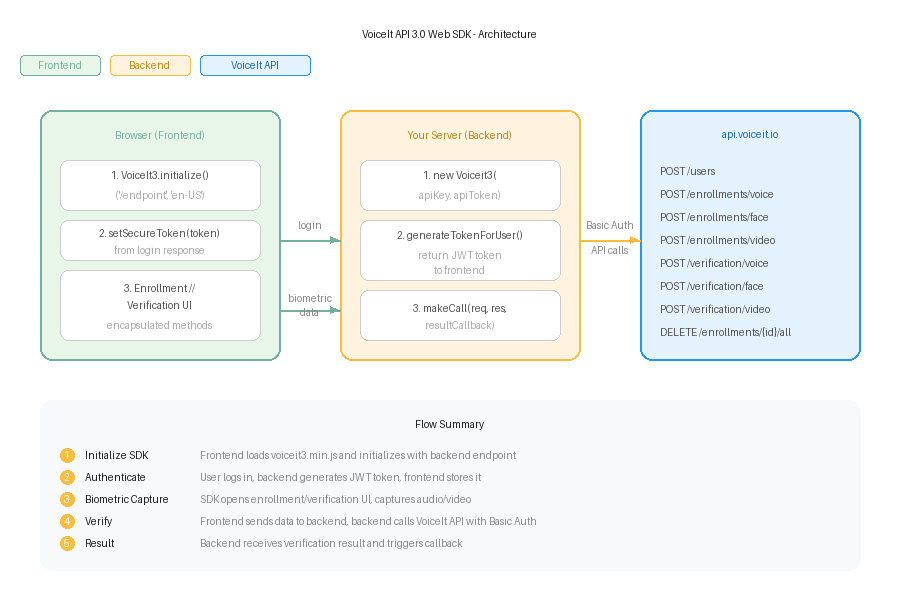
Each type (voice, face, and video) and each action (enrollment and verification) can be implemented independently. A backend and frontend implementation is required.
require('voiceit3-php-websdk/voiceit3webbackend.php');
$myVoiceIt = new VoiceIt3WebBackend("YOUR_API_KEY", "YOUR_API_TOKEN");

$voiceItResultCallback = function($jsonObj){
  $callType = $jsonObj["callType"];
  $userId = $jsonObj["userId"];
  if($jsonObj["jsonResponse"]["responseCode"] == "SUCC"){
    // User verified - start session
  }
};

$myVoiceIt->InitBackend($_POST, $_FILES, $voiceItResultCallback);const VoiceIt3WebSDK = require('voiceit3-node-websdk');
const multer = require('multer')();
app.post('/example_endpoint', multer.any(), function (req, res) {
const myVoiceIt = new VoiceIt3WebSDK.Voiceit3("YOUR_API_KEY", "YOUR_API_TOKEN", {
tempFilePath: "/tmp/"
});
myVoiceIt.makeCall(req, res, function(jsonObj){
const callType = jsonObj.callType.toLowerCase();
const userId = jsonObj.userId;
if(jsonObj.jsonResponse.responseCode === "SUCC"){
// User verified - start session
}
});
});import websdk "github.com/voiceittech/voiceit3-web-sdk/voiceit3-go-websdk"
var backend websdk.WebSDK
func init() {
backend.Initialize("YOUR_API_KEY", "YOUR_API_TOKEN", 1)
}
router.Post("/example_endpoint", func(w http.ResponseWriter, r *http.Request) {
ret, err := backend.MakeCall(r)
if err != nil {
// Handle error
return
}
bytes, _ := json.Marshal(ret)
w.Write(bytes)
})After verification, the callback receives:
{
  "callType": "faceVerification",
  "userId": "usr_********************",
  "jsonResponse": {
    "faceConfidence": 100,
    "message": "Successfully verified face for user",
    "timeTaken": "2.249s",
    "responseCode": "SUCC",
    "status": 200
  }
}require('voiceit3-php-websdk/voiceit3webbackend.php');
$myVoiceIt = new VoiceIt3WebBackend("YOUR_API_KEY", "YOUR_API_TOKEN");
$createdToken = $myVoiceIt->generateTokenForUser($VOICEIT_USERID);
echo json_encode([
"ResponseCode" => "SUCC",
"Token" => $createdToken
]);const VoiceIt3WebSDK = require('voiceit3-node-websdk');
app.get('/login', function (req, res) {
const createdToken = VoiceIt3WebSDK.generateTokenForUser({
userId: VOICEIT_USERID,
token: "YOUR_API_TOKEN",
sessionExpirationTimeHours: 1
});
res.json({
'ResponseCode': 'SUCC',
'Token': createdToken
});
});tok, err := backend.GenerateTokenForUser(VOICEIT_USERID)
if err != nil {
// Handle error
return
}
ret := map[string]string{
"ResponseCode": "SUCC",
"Token": tok,
}
bytes, _ := json.Marshal(ret)
w.Write(bytes)Include the minified JavaScript file:
<script src='/voiceit3.min.js'></script>Initialize:
var myVoiceIt = new VoiceIt3.initialize('/example_endpoint/', 'en-US');myVoiceIt.setThemeColor('#FBC132');myVoiceIt.setSecureToken('TOKEN_FROM_BACKEND');myVoiceIt.encapsulatedVoiceEnrollment({
contentLanguage: 'en-US',
phrase: 'Never forget tomorrow is a new day',
completionCallback: function(success, jsonResponse) {
if (success) {
alert('Voice Enrollments Done!');
}
}
});myVoiceIt.encapsulatedFaceEnrollment({
completionCallback: function(success, jsonResponse) {
if (success) {
alert('Face Enrollment Done!');
}
}
});myVoiceIt.encapsulatedVideoEnrollment({
contentLanguage: 'en-US',
phrase: 'Never forget tomorrow is a new day',
completionCallback: function(success, jsonResponse) {
if (success) {
alert('Video Enrollments Done!');
}
}
});myVoiceIt.encapsulatedVoiceVerification({
contentLanguage: 'en-US',
phrase: 'Never forget tomorrow is a new day',
needEnrollmentsCallback: function() {
alert('A minimum of three enrollments are needed');
},
completionCallback: function(success, jsonResponse) {
if (success) {
alert('Successfully verified voice');
}
}
});myVoiceIt.encapsulatedFaceVerification({
completionCallback: function(success, jsonResponse) {
if (success) {
alert('Successfully verified face');
}
}
});myVoiceIt.encapsulatedVideoVerification({
contentLanguage: 'en-US',
phrase: 'Never forget tomorrow is a new day',
needEnrollmentsCallback: function() {
alert('A minimum of three enrollments are needed');
},
completionCallback: function(success, jsonResponse) {
if (success) {
alert('Successfully verified face and voice');
}
}
});
The content language is configured in each backend's config file:
- PHP: Set
CONTENT_LANGUAGEinvoiceit3-php-server-example/config.php - NodeJS: Set
CONTENT_LANGUAGEinvoiceit3-node-server-example/config.js - Go: Set
CONTENT_LANGUAGEinvoiceit3-go-server-example/config.go
For detailed API documentation, visit voiceit.io/documentation.
If you find this SDK useful, please consider giving it a star on GitHub — it helps others discover the project!


voiceit3-web-sdk is available under the MIT license. See the LICENSE file for more info.