





A package that allows you to use the native file explorer to pick single or multiple files, with extensions filtering support.
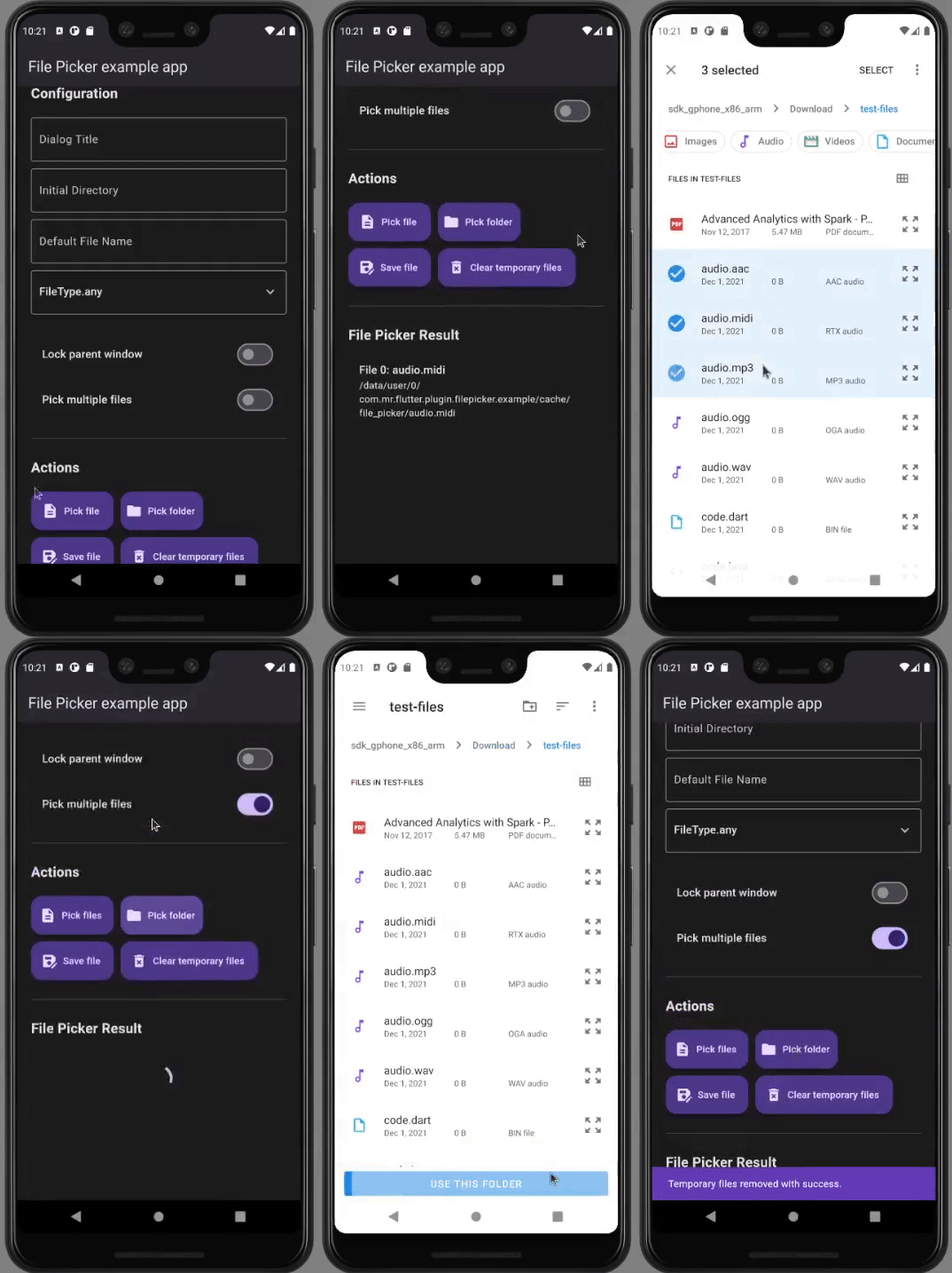
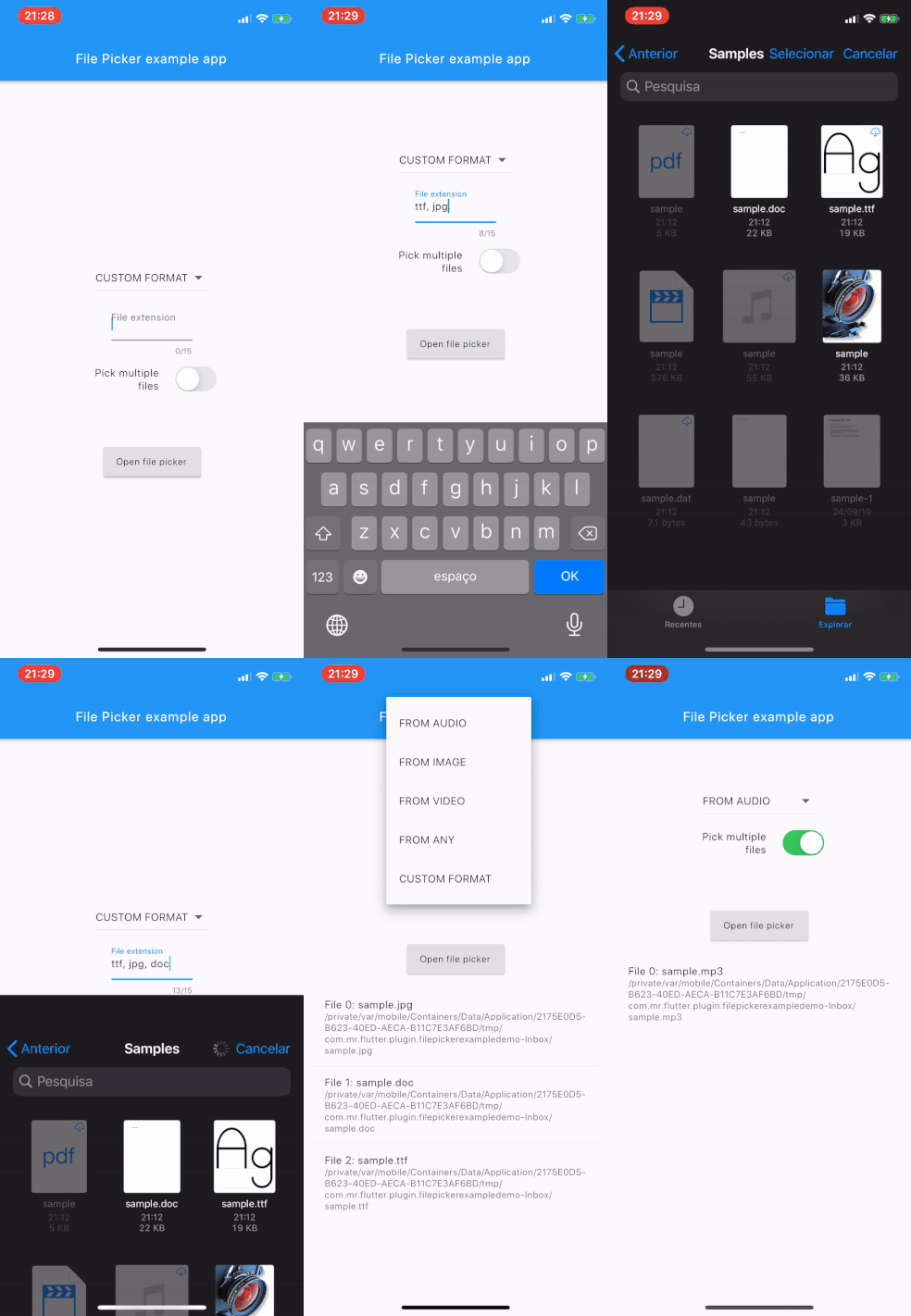
- Uses OS default native pickers
- Supports multiple platforms (Mobile, Web, Desktop)
- Supports WebAssembly (Wasm) compilation
- Pick files using custom format filtering — you can provide a list of file extensions (pdf, svg, zip, etc.)
- Pick files from cloud files (GDrive, Dropbox, iCloud)
- Single or multiple file picks
- Supports retrieving as XFile (cross_file) for easy manipulation with other libraries
- Different default type filtering (media, image, video, audio or any)
- Picking directories
- Picking both files and directories simultaneously
- Load file data immediately into memory (
Uint8List) if needed; - Open a save-file / save-as dialog (a dialog that lets the user specify the drive, directory, and name of a file to save)
If you have any feature that you want to see in this package, please feel free to issue a suggestion. 🎉
| API | Android | iOS | Linux | macOS | Windows | Web |
|---|---|---|---|---|---|---|
clearTemporaryFiles() |
✅ | ✅ | ❌ | ❌ | ❌ | ❌ |
getDirectoryPath() |
✅ | ✅ | ✅ | ✅ | ✅ | ❌ |
pickFileAndDirectoryPaths() |
❌ | ❌ | ❌ | ✅ | ❌ | ❌ |
pickFiles() |
✅ | ✅ | ✅ | ✅ | ✅ | ✅ |
saveFile() |
✅ | ✅ | ✅ | ✅ | ✅ | ✅ |
See the API section of the File Picker Wiki or the official API reference on pub.dev for further details.
The iOS and macOS native implementations now live under the shared Darwin source tree. The iOS implementation requires iOS 14.0 or newer because it uses PHPickerViewController and PHPickerResult.
The old iOS compile-time flags (PICKER_MEDIA, PICKER_AUDIO, PICKER_DOCUMENT) were part of the legacy Objective-C implementation and are no longer used in the Darwin source path.
See the File Picker Wiki for every detail on about how to install, setup and use it.
Quick simple usage example:
FilePickerResult? result = await FilePicker.pickFiles();

if (result != null) {
  File file = File(result.files.single.path!);
} else {
  // User canceled the picker
}FilePickerResult? result = await FilePicker.pickFiles(allowMultiple: true);
if (result != null) {
List<File> files = result.paths.map((path) => File(path!)).toList();
} else {
// User canceled the picker
}FilePickerResult? result = await FilePicker.pickFiles(
allowMultiple: true,
type: FileType.custom,
allowedExtensions: ['jpg', 'pdf', 'doc'],
);String? selectedDirectory = await FilePicker.getDirectoryPath();
if (selectedDirectory == null) {
// User canceled the picker
}String? outputFile = await FilePicker.saveFile(
dialogTitle: 'Please select an output file:',
fileName: 'output-file.pdf',
);
if (outputFile == null) {
// User canceled the picker
}FilePickerResult? result = await FilePicker.pickFiles();
if (result != null) {
PlatformFile file = result.files.first;
print(file.name);
print(file.bytes);
print(file.size);
print(file.extension);
print(file.path);
} else {
// User canceled the picker
}FilePickerResult? result = await FilePicker.pickFiles();
if (result != null) {
// All files
List<XFile> xFiles = result.xFiles;
// Individually
XFile xFile = result.files.first.xFile;
} else {
// User canceled the picker
}FilePickerResult? result = await FilePicker.pickFiles();
if (result != null) {
Uint8List fileBytes = result.files.first.bytes;
String fileName = result.files.first.name;
// Upload file
await FirebaseStorage.instance.ref('uploads/$fileName').putData(fileBytes);
}For full usage details refer to the Wiki above.


For help getting started with Flutter, view our online documentation.
For help on editing plugin code, view the documentation.