
(2026-April14) Noctalia-Shell compared to Waybar
After switching to Noctalia-Shell, I’ve realized I can’t go back. There are no downsides—only upsides. Not exactly. I will still use Waybar per usecase. It is custom and custom always works better.
One hesitation people have when moving away from Waybar is speed.
I can’t tell the difference.
Noctalia-Shell is just as fast and responsive as Waybar. There is zero lag, zero stutter, and the interaction feels instantaneous. It proves that you can have a full-featured, beautiful shell without the "performance tax."
Full functional desktop, a launcher, a clipboard manager, and a theme switcher. Noctalia-Shell does it all, and it does it better.
- The Launcher & Clipboard: I’ve used other standalone launchers. The built-in launcher and clipboard manager in Noctalia are just as good, if not better. It’s snappy, integrated, and feels like part of the system.
- The Color-Scheme System: This is the killer feature. Creating and applying custom schemes is effortless. It’s built to play nice with the rest of your setup—syncing perfectly with pywalfox, kitty, and your system colors out of the box.
The way Noctalia handles workspaces is a improvement over the standard "numbered list" or "dots."
It shows you the actual applications running in each workspace. Being able to see those icons and click on a specific one to focus that application is a increased level of usability.
With Noctalia, I’m unable to find anything I don’t like.
It’s so well-designed that there is almost nothing left for me to customize. That said, the architecture is completely open. If I ever decide I want to build a custom bar with only specific modules in the future.
If you are currently on Waybar," do yourself a favor: Try Noctalia.
I will "maybe-probably" see how well Noctalia. and Caelestia. works on top of Omarchy.
That is the ultimate "Best of Both Worlds" strategy. Having a toggle script that allows you to treat your desktop like a high-end workstation that can change its entire personality with one keybind.

(2026-April10) Omarchy Sidebar "Fusion": Caelestia Symlink-Swapping Script maybe in-works
This approach creates a dedicated theme folder that works with Omarchy's architecture instead of against it. This makes the setup "update-proof" because Omarchy's git pull or Update Button won't see any modified files—just a new directory it doesn't track.
Create a custom Fusion theme for Omarchy. This acts as a bridge, allowing Caelestia-Shell (via Matugen) to control your system colors while keeping the stock Omarchy themes untouched.
mkdir -p ~/.config/omarchy/themes/fusion/themeWe need Matugen to parse the Caelestia scheme.json and output the colors into the Fusion folder.
- Create the Template:
~/.config/matugen/templates/omarchy-colors.css
/* Generated from Caelestia scheme.json */
@define-color primary #{{colors.primary.default.hex}};
@define-color onPrimary #{{colors.on_primary.default.hex}};
@define-color surface #{{colors.surface.default.hex}};
@define-color onSurface #{{colors.on_surface.default.hex}};
@define-color accent #{{colors.secondary.default.hex}};
@define-color background #{{colors.background.default.hex}};- Update the Config: Add this to your
~/.config/matugen/config.toml:
[[outputs]]
template = "omarchy-colors.css"
dest = "~/.config/omarchy/themes/fusion/theme/colors.css"- Create the Bridge: Create
~/.config/omarchy/themes/fusion/theme/waybar.css:
@import "colors.css";
/* Custom Fusion overrides go here */
Note: For this to work with Caelestia-Shell, Matugen must be pointed to the local state file. You can trigger a manual sync using:
matugen json ~/.local/state/caelestia/scheme.json
Create ~/.local/bin/omarchy-fusion:
#!/bin/bash
OM_PATH="$HOME/.config/omarchy"
CURRENT_LINK="$OM_PATH/current"
FUSION_THEME="$OM_PATH/themes/fusion"
# Check 'ls ~/.config/omarchy/themes' to verify your stock theme name
STOCK_THEME="$OM_PATH/themes/omarchy-standard"

case $1 in
    on)
        echo "Linking Fusion theme (Caelestia Colors)..."
        ln -sfn "$FUSION_THEME" "$CURRENT_LINK"
        sleep 0.1 && pkill -USR2 waybar
        echo "✅ Fusion Active."
        ;;
    off)
        echo "Restoring Stock Omarchy theme..."
        ln -sfn "$STOCK_THEME" "$CURRENT_LINK"
        sleep 0.1 && pkill -USR2 waybar
        echo "✅ Stock Active. Safe to update."
        ;;
    *)
        echo "Usage: omarchy-fusion [on|off]"
        ;;
esacAdd to .zshrc or .bashrc:
# Omarchy Fusion Toggle
alias fusion='omarchy-fusion on'
alias stock='omarchy-fusion off'To ensure your colors are applied automatically when you log in, add the following line to your hyprland.conf:
exec-once = matugen json ~/.local/state/caelestia/scheme.jsonRun fusion. This re-routes Omarchy's current symlink to your custom Fusion directory. Now, whenever you change your wallpaper via Caelestia-Shell, Matugen updates the CSS, and Waybar reflects those colors instantly.
Because you aren't modifying files tracked by the repository, using the Update Button or git pull is safe:
- Run
stockto point the symlink back to a default theme. - Click the Omarchy Update button (or run
omarchy update). - Run
fusionto return to your custom Caelestia setup.
(2026-April05) WayBar Bridged to Caelestia Schemes

(2026-March27) Caelestia-Shell modernity

Google Sans Flex | GeistMono NF

Gruvbox Soft


(2025-June24) Upgrading Waybar should bring tangible benefits, especially for theming
Aug-09 fixed for me in 0.14 I had to Downgrade to Waybar v0.12.0 0-13 Official 0.13.0 release notes
(2025-June22) Vertical Waybar with a Glass UI
Glassmorphismoptimized v2 Compact-v2-v3-v3.5-v3.5.1-v3.75-v4-v5-v6 Weather-v2.0 0-13-v4* tokyonight.rasi

(2025-June11-21) Ghost-Expedition Template
Ghost-Expeditionbeta Sharp-Thin v2.0 v2.5 Alpha Wttr Wide Round Specialscratchpads
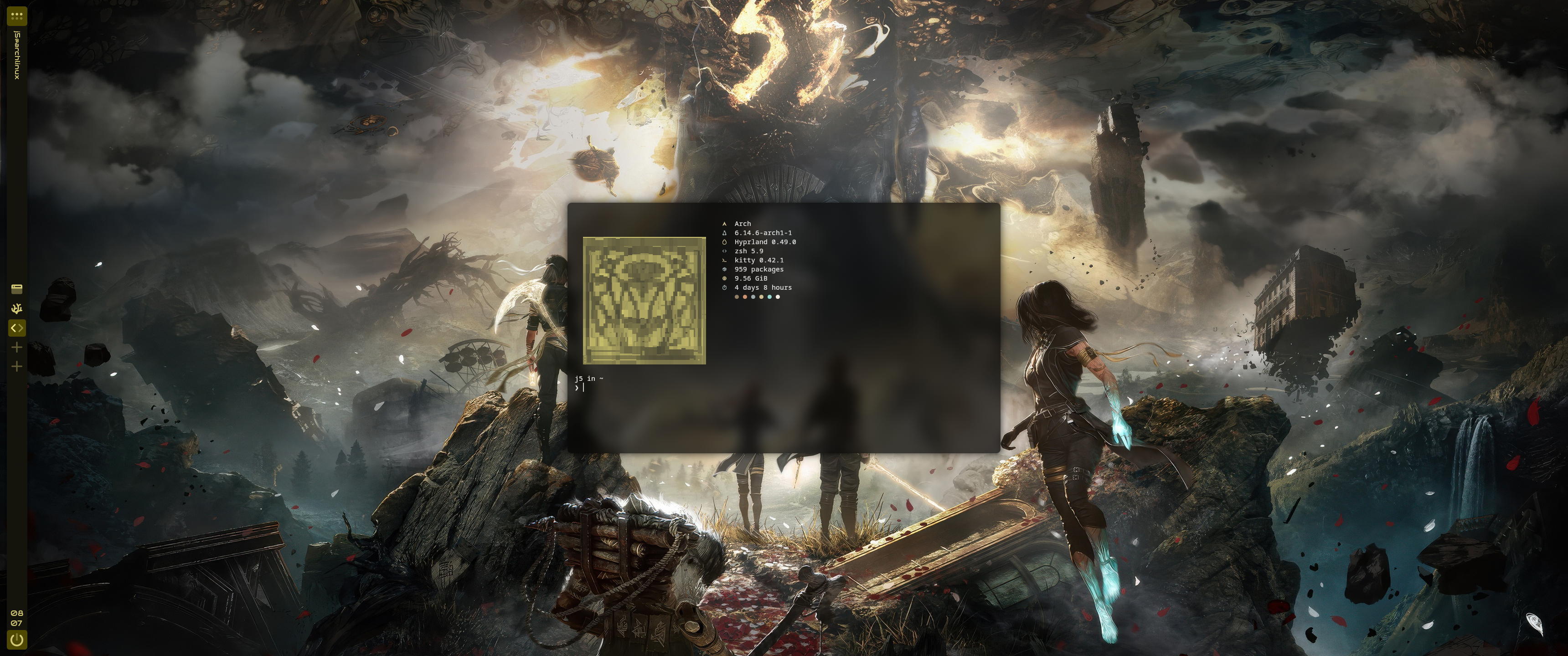
(2025-May21-June05) Matugen Inspired Waybar Template




Archived 2024
(2025-Jan29) Opensource Deepseek 🐋
Adwaita-CT-Iosevka-Pro-Thin*


(2025-Jan12) Font Awesome 6 Pro Thin 👷
Font Awesome 6 Pro Thin-3beta
Ghostbeta

border-radius: 0.2em = Modern, 0.4em = Round, 2em = Circle | size 24px - 34px tested


(2024-Dec30) Adwaita-Dark-CT Updated_Version-2
Adwaita-Dark-Clock-Top Updated_Version-2
 Pywal-Rofi-Dock-2


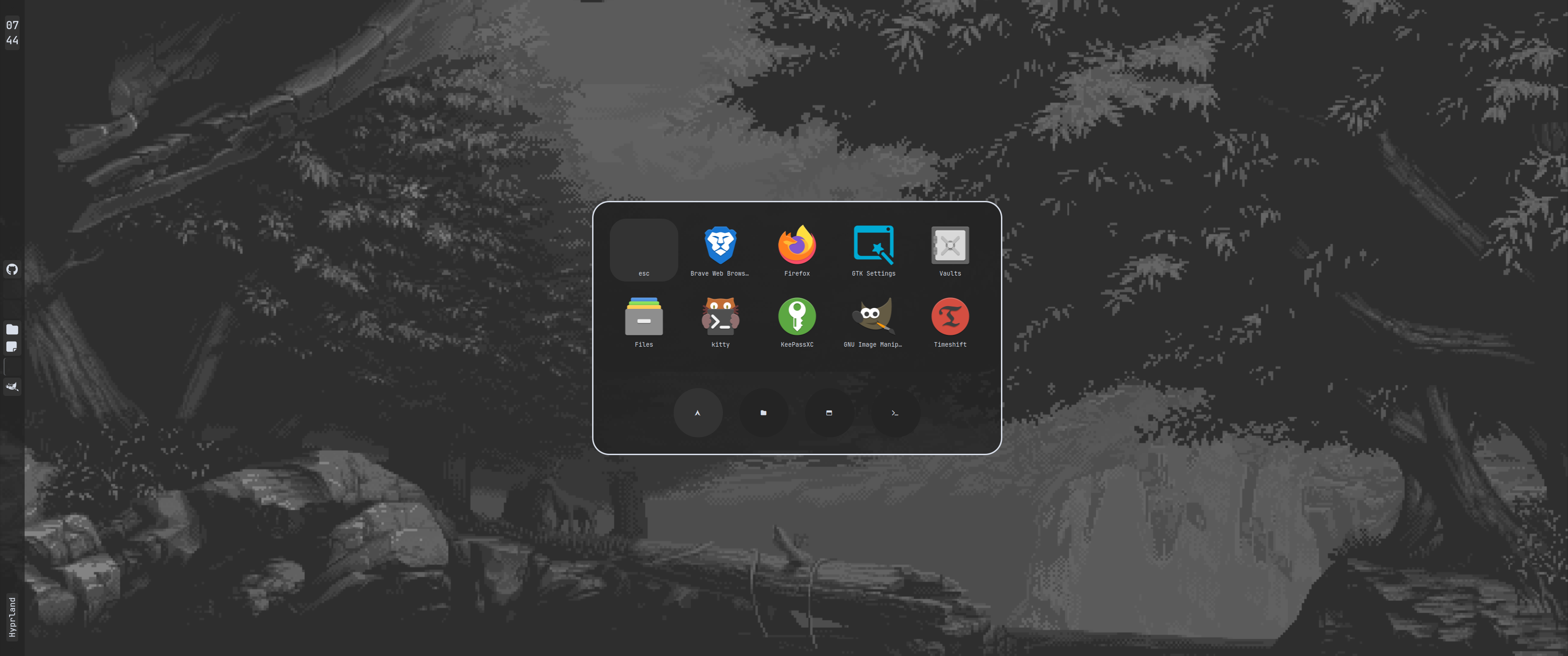


(2024-Dec08) Catppuccin-Mocha🐈⬛ Rofi
Icons-Only-Dock-Catppuccin-Mocha.rasi (updated-12-12) Centered Workspaces# + Proton Calendar PWA


(2024-oct31) Everforest-S🌿 colorscheme


(2024-oct28) Blueberry-S🫐 workflow & gtk 47

+ScreenShots
Hyprland Screenshot Archive
https://github.com/j5onrf/dots/blob/main/waybar/Screenshot%20Archive/Screenshots.md(2026-April-05) Modern-Fusionreleased

(2026-April-03) I still use Waybar

ML4W < v2.12.1
(2025-July13-19) Ghostarchypreview Cascadia Mono

Waybar < v0.13
(2025-July19) GGC-v3.5.1legacy Cascadia Mono

(2025-June24) Glassmorphismoptimized SF Mono

(2025-June13) Ghost-Expeditionbeta Audiowide

(2025-May23) Ghost-Matugenbeta Azonix Font

(2025-Jan12) Adwaita-CT-Iosevka-Pro-Thin

(2025-Jan12) Adwaita-CT-Iosevka-Pro-Duo

2025_Jan-April_Archived
(2025-Jan16) Ghost-Modernbeta


(2025-Jan14) Ghostbeta

(2025-Jan12) Blk&Wht-CT-Iosevka-Pro-Thin-3beta discontinued

2024_Nov-Dec_Archived
(2024-Dec14) Blueberry2

(2024-Dec06) Catppuccin-Mocha #RW (updated-12-10)

(2024-Dec06) Gruvbox-Dark #RW (updated-12-10)

(2024-Dec05) Material-Design-Dark #RW (updated-12-10)

(2024-nov17) NordV-Sidebar Dots

(2024-nov10) EverforestV-Sidebar Final-Release Dots

Archived
(2024-nov03) EverforestV-Sidebar(updated-11-06)
 (2024-nov02) Everforest-S (updates-11-02)
 (2024-oct25) Blueberry-S dots sidebar (updates-10-30)
 (2024-oct23) Blueberry dots

 onedark-pixel
 everforest
 gruv
gruv

Archived
(2024-oct14) Min-Hyprtidy dots

(2024-oct9) Min-Hyprclean

(2024-sep29) Min-Hyprnome

(2024-sep28) Min-Modern2


(2024-sep25) Min-Modern

(2024-sep22) Min-Monstr


Archived sep2024
[ml4w-min-j5][rubik-font] (2024-sep) dots-released
 [gnome-extension-power]
 [minimal-plus-function][group-sliders]
 ["hyprland/workspaces#rw" icons rewrite from] Jakoolit dots

(2024-oct1) Trying out HyprPanel
Toggle on/off [i]
bind = $mainMod, H, exec, agsv1 -t bar-0 # Toggle Hyprpanel
bind = $mainMod, C, exec, ~/.config/waybar/toggle.sh # Toggle WayBar


(2024-oct26) HyprPanel & WayBar

+ScreenShots
(2024-oct27) HyprPanel & WayBar

+ScreenShots
HyprPanel & Waybar Screenshot Archive
https://github.com/j5onrf/dots/blob/main/waybar/Screenshot%20Archive%202/Screenshots2.md- These are demo templates. Fix to work on your system.