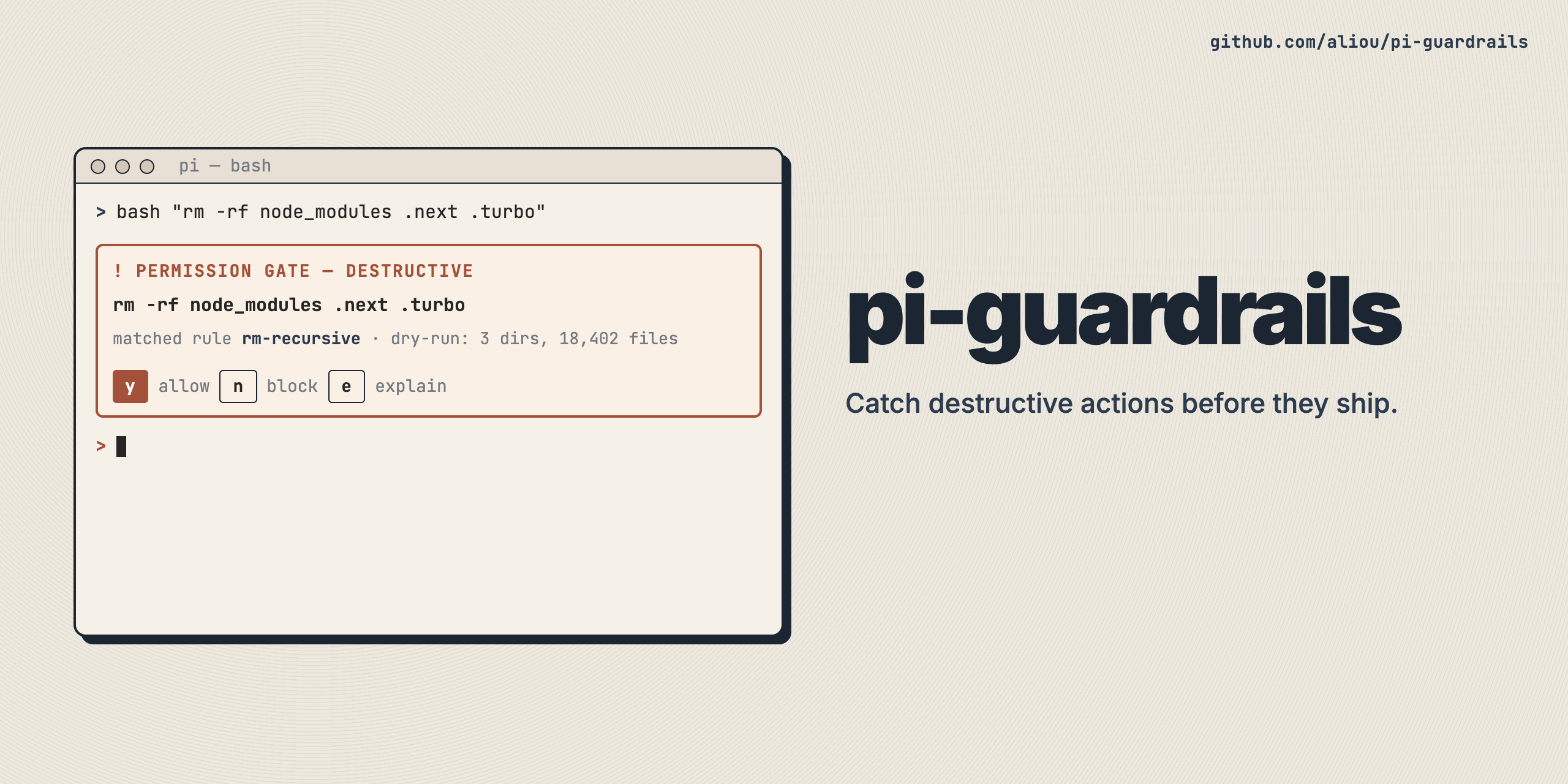
Security hooks for Pi to reduce accidental destructive actions and secret-file access.
pi install npm:@aliou/pi-guardrailsOr from git:
pi install git:github.com/aliou/pi-guardrails- Default configuration — built-in policy rules and permission gate patterns
- Example presets — pre-configured presets available in settings
- policies: named file-protection rules with per-rule protection levels.
- permission-gate: detects dangerous bash commands and asks for confirmation.
- path-access: restricts tool access to the current working directory with allow/ask/block modes.
- optional command explainer: can call a small LLM to explain a dangerous command inline in the confirmation dialog.
Guardrails reads and merges config from:
- Global:
~/.pi/agent/extensions/guardrails.json - Project:
.pi/extensions/guardrails.json - Memory (session): internal temporary scope used by settings/commands
Priority: memory > local > global > defaults.
Use /guardrails:settings to edit config interactively.
{
  "enabled": true,
  "features": {
    "policies": true,
    "permissionGate": true,
    "pathAccess": false
  },
  "pathAccess": {
    "mode": "ask",
    "allowedPaths": []
  },
  "policies": {
    "rules": [
      {
        "id": "secret-files",
        "description": "Files containing secrets",
        "patterns": [
          { "pattern": ".env" },
          { "pattern": ".env.local" },
          { "pattern": ".env.production" },
          { "pattern": ".env.prod" },
          { "pattern": ".dev.vars" }
        ],
        "allowedPatterns": [
          { "pattern": ".env.example" },
          { "pattern": ".env.sample" },
          { "pattern": ".env.test" },
          { "pattern": "*.example.env" },
          { "pattern": "*.sample.env" },
          { "pattern": "*.test.env" }
        ],
        "protection": "noAccess",
        "onlyIfExists": true
      }
    ]
  },
  "permissionGate": {
    "patterns": [
      { "pattern": "rm -rf", "description": "recursive force delete" },
      { "pattern": "sudo", "description": "superuser command" }
    ],
    "customPatterns": [],
    "requireConfirmation": true,
    "allowedPatterns": [],
    "autoDenyPatterns": [],
    "explainCommands": false,
    "explainModel": null,
    "explainTimeout": 5000
  }
}
All fields optional. Missing fields use defaults.
Each rule has:
id: stable identifier used for overrides across scopes.patterns: files to match (glob by default, regex ifregex: true). Glob semantics: patterns containing/match the full relative path; patterns without/match basename only.allowedPatterns: exceptions.protection:noAccess: blockread,write,edit,bash,grep,find,lsreadOnly: blockwrite,edit,bashnone: explicit no protection
onlyIfExists(default true)blockMessagewith{file}placeholderenabled(default true)
When multiple rules match the same file, strongest protection wins:
noAccess > readOnly > none.
Use:
/guardrails:add-policy
This starts a subagent that helps build and save one policy rule.
Restrict tool access to the current working directory. When enabled, any tool call targeting a path outside cwd is checked against the configured mode:
- allow: no restrictions
- ask: prompt with options to grant access (file or directory, for session or always)
- block: deny all outside access
Grants are stored in project config (always) or session memory (session). The allowedPaths array is merged across all config scopes.
Limitations:
- Symlinks are not resolved (lexical path comparison only).
- Bash path extraction is best-effort (AST-based heuristics).
- In non-interactive mode,
askmode degrades toblock.
Detects dangerous bash commands and prompts user confirmation.
Built-in dangerous patterns are matched structurally (AST-based) for better accuracy:
rm -rfsudodd if=mkfs.chmod -R 777chown -R
You can also add custom dangerous patterns.
If enabled, guardrails calls an LLM before showing the confirmation dialog and displays a short explanation.
Config fields:
permissionGate.explainCommands(boolean)permissionGate.explainModel(provider/model-id)permissionGate.explainTimeout(ms)
Failures/timeouts degrade gracefully: dialog still shows without explanation.
Legacy fields are auto-migrated:
features.protectEnvFiles->features.policiesenvFiles->policies.rules(migrated intosecret-files)
config.version is a schema marker, not npm package version.
Also note:
preventBrew,preventPython,enforcePackageManager,packageManagerwere removed from guardrails and moved to@aliou/pi-toolchain.
pnpm test # Run tests
pnpm test:watch # Run tests in watch mode
pnpm typecheck # Type check
pnpm lint # Lint
pnpm format # FormatGuardrails emits events for other extensions:
interface GuardrailsBlockedEvent {
feature: "policies" | "permissionGate" | "pathAccess";
toolName: string;
input: Record<string, unknown>;
reason: string;
userDenied?: boolean;
}interface GuardrailsDangerousEvent {
command: string;
description: string;
pattern: string;
}
{
  "features": { "pathAccess": true },
  "pathAccess": {
    "mode": "ask",
    "allowedPaths": ["~/code/shared-libs/", "~/.config/myapp"]
  }
}